
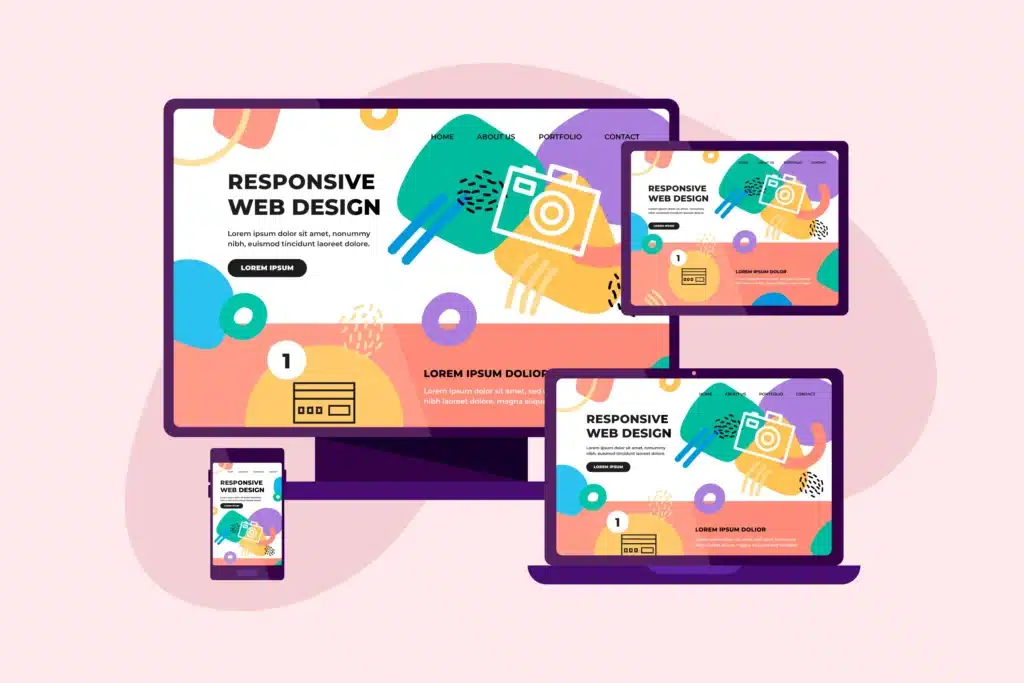
Responsive web design is no longer optional in today’s multi-device world. People no longer browse the internet from just one device. A potential customer might first discover your website on their phone while scrolling through social media. Later, they might revisit the same site on a laptop to explore products or services, while others may view it on a tablet at home.
Because users switch between devices so often, websites must be able to adapt seamlessly.
This is where responsive web design becomes essential.
A responsive website automatically adjusts its layout, images, and content so that it looks good and functions properly on every screen size. Whether someone visits your website on a smartphone, tablet, laptop, or large desktop monitor, the experience should feel smooth and comfortable.
When a website is not responsive, visitors quickly notice the difference. Text may appear too small to read, images might break the layout, and navigation could become difficult. These issues frustrate users and often cause them to leave the site.
Responsive design solves these problems by ensuring your website looks professional and works efficiently everywhere.
In this guide, we’ll explore how to create a responsive design that looks great across all devices, while also improving user experience, search rankings, and conversion rates.
What Is Responsive Web Design?
Responsive web design refers to a design approach where a website automatically adjusts its layout and content based on the size of the screen being used.
Instead of building separate websites for mobile and desktop users, responsive design allows a single website to adapt dynamically.
For example, a responsive website may display multiple columns on a desktop screen but switch to a single column layout on a mobile device. Images resize to fit the screen, menus become simpler, and buttons adjust to remain easy to tap.
This flexibility ensures that visitors can comfortably browse the website regardless of the device they are using.
Responsive design has become the standard for modern websites because user behavior has changed dramatically over the past decade. Mobile browsing now represents a large percentage of internet traffic worldwide.
As a result, websites must prioritize accessibility and usability across all screen sizes.
Why Responsive Design Matters for SEO and Conversions
Responsive design is not just about aesthetics. It also has a significant impact on search engine rankings and business performance.
Search engines prioritize websites that provide a positive user experience. One major factor influencing this experience is how well a site works on mobile devices.
Search engines use mobile-first indexing, which means they evaluate the mobile version of a website when determining rankings.
If your website does not perform well on mobile, it may struggle to rank in search results.
Beyond SEO, responsive design also affects how visitors interact with your site.
When users find a website easy to navigate and visually appealing on their device, they are more likely to stay longer, explore more pages, and complete actions such as signing up for a service or making a purchase.
On the other hand, poor mobile experiences often lead to high bounce rates and lost opportunities.
A responsive website helps ensure that every visitor has a smooth and enjoyable experience, no matter how they access your site.
Start With a Mobile-First Design Approach
One of the most effective strategies for creating responsive websites is adopting a mobile-first design approach.
Mobile-first design means designing the website for smaller screens first and then expanding the layout for larger devices like tablets and desktops.
This approach encourages designers to focus on the most important elements of the website.
When working with limited screen space, unnecessary clutter is naturally removed. The result is a cleaner, more focused design that prioritizes usability.
Mobile-first design also tends to improve website performance. Since mobile devices often have slower internet connections compared to desktops, designers are encouraged to optimize images, reduce heavy scripts, and keep layouts simple.
Once the mobile version works perfectly, the design can be expanded to accommodate larger screens while maintaining consistency.
This method ensures that the website performs well across all devices from the very beginning.
Use Flexible Grid Layouts
Another key principle of responsive design is the use of flexible grid layouts.
Traditional website layouts often relied on fixed widths, meaning elements stayed the same size regardless of the screen. This approach works poorly when viewed on smaller devices.
Flexible grids solve this problem by using percentages instead of fixed measurements.
Instead of defining an element as exactly 600 pixels wide, designers may define it as occupying 50% of the screen width. This allows the layout to adjust naturally when the screen size changes.
Flexible grids make it easier for content to reorganize itself in a way that maintains readability and visual balance.
For example, a desktop layout might show three product cards in a row. On a tablet, the layout may adjust to two cards per row, and on a mobile phone, the cards may stack vertically.
This adaptability ensures that the website remains visually appealing and functional across different devices.
Make Images and Media Responsive
Images play a major role in modern web design, but they can also create problems if they are not optimized properly.
Large images that look great on a desktop screen may slow down loading times on mobile devices or break the layout entirely.
Responsive images adjust automatically based on the screen size and resolution of the device.
This ensures that images remain sharp while still loading quickly.
Another important step is optimizing image file sizes. Compressing images without sacrificing quality can significantly improve website speed.
Videos should also be responsive. Instead of using fixed dimensions, video elements should scale proportionally to fit different screens.
By ensuring all media elements adapt smoothly, you can create a visually engaging website that performs well on every device.
Use Responsive Typography
Typography is another important component of responsive design.
Text that looks perfect on a large desktop screen may become difficult to read on a smaller smartphone display.
Responsive typography ensures that font sizes adjust based on screen dimensions. Headlines should remain prominent, while body text must stay readable without requiring users to zoom in.
Maintaining proper spacing between lines and paragraphs is also essential.
Good typography improves readability, which directly influences how long users stay on a website and how easily they understand the content.
A well-structured typographic hierarchy — with clear headings, subheadings, and body text — helps guide users through the page naturally.
Design Touch-Friendly Navigation
Navigation plays a major role in how easily users interact with a website.
On desktop computers, visitors typically use a mouse to click links. On mobile devices, they rely on touch gestures.
This means navigation elements must be designed with touch interaction in mind.
Buttons should be large enough to tap comfortably. Links should be spaced far enough apart to avoid accidental clicks.
Many responsive websites use hamburger menus or collapsible navigation bars on smaller screens. These menus keep the interface clean while still providing access to all sections of the site.
Simple navigation structures also improve usability.
When visitors can easily find the information they need, they are more likely to stay engaged and explore further.
Test Your Website on Multiple Devices
Even the best design strategies cannot guarantee perfect results without testing.
Different devices, browsers, and screen sizes can display websites in slightly different ways.
Testing helps identify layout issues, broken elements, or navigation problems before users encounter them.
Modern web browsers include developer tools that allow designers to simulate different screen sizes. This makes it easier to preview how a website will appear on smartphones and tablets.
Real device testing is also valuable. Checking the website on actual phones, tablets, and laptops can reveal usability issues that may not appear in simulations.
Regular testing ensures that your responsive design performs consistently across all platforms.
Common Responsive Design Mistakes to Avoid
While responsive design offers many benefits, certain mistakes can reduce its effectiveness.
One common mistake is using fixed layouts that do not adapt properly to smaller screens.
Another issue is ignoring mobile performance. Heavy images, large scripts, and complex animations can slow down mobile devices and frustrate users.
Poor navigation design can also create problems. If menus are difficult to use on touch screens, visitors may struggle to find important information.
Finally, some websites focus only on appearance while ignoring functionality. Responsive design must balance aesthetics with usability.
Avoiding these mistakes helps ensure a smooth and enjoyable experience for all visitors.
Conclusion
Responsive design has become an essential part of modern web development.
With users accessing websites from a wide variety of devices, businesses must ensure their sites look professional and function smoothly everywhere.
By adopting mobile-first design, using flexible layouts, optimizing images, improving typography, and designing touch-friendly navigation, it is possible to create websites that adapt seamlessly to different screens.
Responsive design not only improves user experience but also supports better SEO performance and higher conversion rates.
As digital behavior continues to evolve, websites that prioritize responsiveness will be better positioned to meet the expectations of modern users.
If your website doesn’t look or perform well on all devices, you could be losing valuable visitors and potential customers.
At ePrint, we specialize in creating modern, responsive websites that deliver seamless experiences across smartphones, tablets, and desktops.
Contact our team today to transform your website into a responsive platform that looks great everywhere and performs even better.