
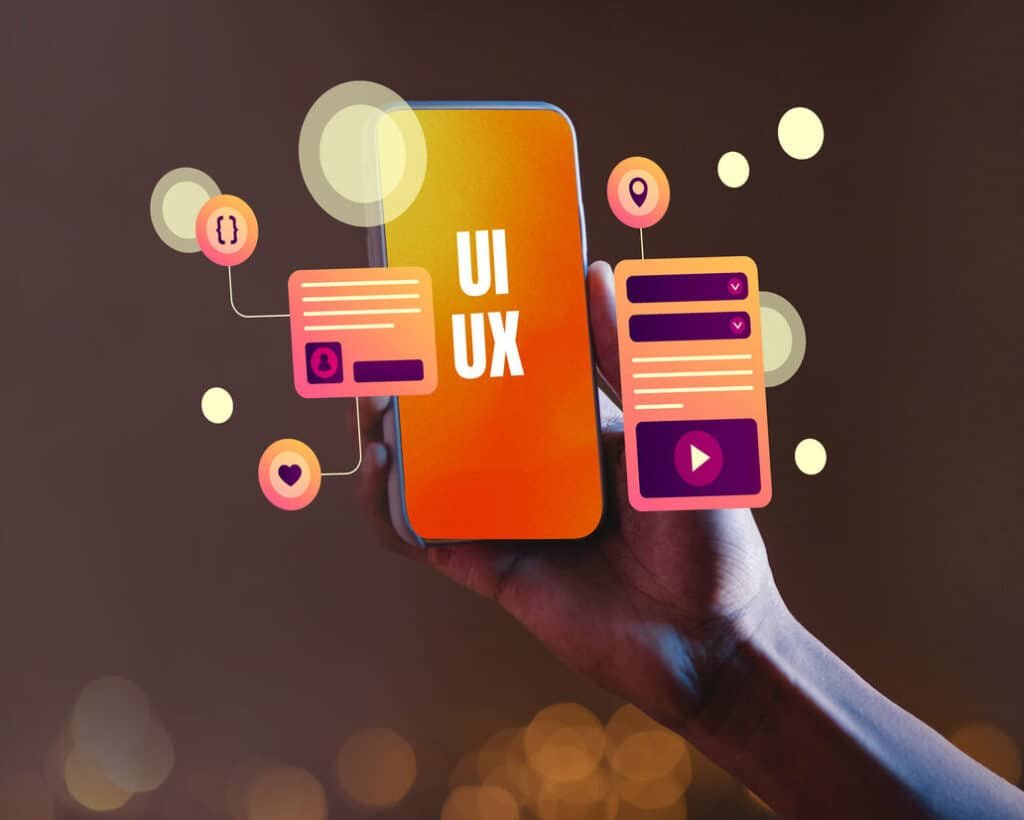
In 2026, having a beautiful website is not enough—and this is exactly why UI/UX design trends 2026 matter more than ever. You may have great colors, stylish fonts, and eye-catching visuals, but if visitors don’t understand your website, don’t feel comfortable using it, or can’t easily take action, they’ll leave. And once they leave, chances are they won’t come back.
This is where UI/UX design makes all the difference.
UI (User Interface) is how your website looks.
UX (User Experience) is how it feels to use.
Together, UI/UX decides whether a visitor:
- stays or leaves
- trusts your brand or doubts it
- becomes a customer or just scrolls away
In this blog, we’ll explore the top UI/UX design trends 2026 that don’t just look good—but actually convert visitors into customers. No technical jargon, no complex theory—just practical insights you can understand and apply.
Why UI/UX Design Is a Game-Changer for Conversions
Let’s be honest. Most people don’t read websites word by word. They scan. They click. They judge quickly.
In 2026, users expect websites to be:
- fast
- simple
- clear
- easy to use
If your website feels confusing or slow, visitors won’t “figure it out.” They’ll just leave.
How users behave in 2026
Today’s users:
- browse mostly on mobile
- multitask while scrolling
- have very little patience
- expect instant clarity
If they don’t understand what you offer in a few seconds, they move on.
Why people leave websites
Visitors usually leave because:
- the site is confusing
- buttons are hard to find
- pages load slowly
- too many pop-ups appear
- the design feels outdated or untrustworthy
Good UI/UX solves all of this.
Good-looking vs converting design
A website can look beautiful and still fail.
A converting design:
- guides users step by step
- shows them what to do next
- removes confusion
- builds trust
That’s exactly what modern UI/UX trends focus on.
UI/UX Design Trends That Will Work in 2026
Now let’s talk about the UI/UX trends that are shaping successful websites and apps in 2026.
Mobile-First & Thumb-Friendly Design
In 2026, mobile users are not the majority—they are the default. Most visitors will experience your website on a phone, not a laptop. That means your design must feel effortless on small screens.
Why mobile-first matters
If a website works well on mobile:
- it works everywhere
- it feels modern
- it converts better
If it doesn’t:
- users struggle
- buttons are hard to tap
- text feels cramped
- frustration increases
Thumb-friendly navigation
People use phones with one hand. That’s why modern UI focuses on:
- large buttons
- easy-to-reach menus
- clear spacing
- simple layouts
When users can navigate without effort, they stay longer—and staying longer increases conversions.
Minimal Interfaces with Clear CTAs
In 2026, less is more. Websites overloaded with too many sections, colors, buttons, and messages confuse users. And confused users don’t convert.
Why minimal design converts better
Minimal UI:
- reduces distractions
- highlights important actions
- makes content easier to read
- feels premium and trustworthy
Instead of showing everything at once, modern websites focus on one main goal per page.
Clear and focused CTAs
A CTA (Call to Action) tells users what to do next:
- Book a call
- Get a quote
- Sign up
- Buy now
In 2026, strong CTAs are:
- visible
- simple
- action-oriented
- placed logically
When users clearly see what to do next, conversions increase naturally.
AI-Personalized User Experiences
AI is no longer futuristic—it’s already shaping UX in subtle ways. But here’s the key thing: good AI-based UX doesn’t feel robotic.
How AI improves UX in simple terms
AI helps websites:
- show relevant content
- suggest the right products
- adjust layout based on behavior
- personalize user journeys
For example:
- an e-commerce site showing products based on browsing history
- a service website adjusting content for first-time vs returning visitors
Why personalization increases conversions
People respond better when content feels relevant.
Personalized UX:
- feels helpful, not pushy
- saves users time
- builds trust
- increases engagement
In 2026, smart personalization will be a major conversion booster.
Fast Loading & Performance-First Design
Speed is not a luxury—it’s a requirement. No matter how beautiful your design is, if your website is slow, users will leave.
Why speed matters so much
Studies show:
- users abandon slow sites quickly
- speed affects trust
- faster sites convert more
In 2026, performance-first design means:
- fewer heavy animations
- optimized images
- clean layouts
- smart loading techniques
Perceived speed matters too
Even small UX tricks help:
- loading indicators
- skeleton screens
- smooth transitions
These make the site feel faster—and that improves user experience.
Micro-Interactions That Guide Users
Micro-interactions are small design details that make a big difference. They are subtle—but powerful.
What are micro-interactions? (Simple explanation)
They are tiny responses, like:
- button hover effects
- progress bars
- confirmation messages
- form field highlights
Why they improve UX and conversions
Micro-interactions:
- guide users
- reduce confusion
- provide feedback
- make actions feel smooth
For example, when a button changes slightly on click, users feel confident that their action worked. That confidence leads to better conversions.
Dark Mode & Smart Color Usage
Dark mode is no longer just a trend—it’s an expectation for many users. But in 2026, the focus is not just dark mode. It’s smart color usage.
When dark mode works well
Dark mode is great for:
- tech platforms
- apps
- dashboards
- night-time browsing
But it must be designed carefully to avoid eye strain.
Color and emotions
Colors affect how users feel and act:
- blue builds trust
- green feels calm
- red creates urgency
- black feels premium
Smart color usage helps guide users toward actions without overwhelming them.
Voice, Gesture & Touch-Friendly UX
The way people interact with technology is changing fast. In 2026, users don’t just click and scroll—they talk, tap, swipe, and gesture. Good UI/UX design now considers all of this.
Why voice and touch UX matters
People are increasingly using:
- voice search
- smart assistants
- touch gestures
- wearable devices
If your website or app feels natural to interact with, users feel comfortable and stay longer.
How this improves conversions
Voice- and touch-friendly UX:
- reduces effort for users
- feels modern and intuitive
- improves accessibility
- removes friction
For example:
- simple voice search options
- larger touch areas
- swipe-friendly layouts
When interaction feels easy, users are more likely to take action.
Accessibility-First UX Design
Accessibility is no longer optional. In 2026, it’s a core part of good UX design. Accessibility means designing websites that everyone can use, including people with:
- vision challenges
- hearing difficulties
- motor limitations
- cognitive differences
Why accessibility improves conversions
Accessible design:
- reaches a wider audience
- improves usability for all users
- builds trust and inclusivity
- often improves SEO
Simple accessibility improvements include:
- readable font sizes
- strong color contrast
- clear navigation
- keyboard-friendly forms
When a website is easy for everyone to use, it naturally converts better.
Storytelling Through UX Design
In 2026, websites are no longer just information pages—they are stories. Good UX design guides users through a journey instead of overwhelming them with content.
How storytelling works in UX
Storytelling UX uses:
- logical content flow
- scroll-based sections
- visuals that support the message
- clear progression
For example:
- problem → solution → benefits → proof → action
This keeps users engaged and emotionally connected.
Why storytelling increases conversions
When users feel connected:
- they trust the brand more
- they stay longer
- they understand the value
- they are more likely to convert
Storytelling makes your website feel human—not salesy.
UI/UX Trends That Hurt Conversions in 2026
Not every trend is good for business. Some design choices may look fancy but actually reduce conversions.
Too many choices on one page
When users see too many options, they get confused and delay decisions.
Confusing navigation
If users can’t find what they’re looking for quickly, they leave.
Too many pop-ups
Pop-ups can feel aggressive and annoying when overused.
Heavy animations
Fancy animations slow down the site and distract users from taking action.
Ignoring mobile users
If your site works well on desktop but poorly on mobile, conversions will drop.
In 2026, clarity beats creativity when it comes to conversions.
How to Choose the Right UI/UX Trend for Your Business
You don’t need to use every trend. The goal is to choose what works for your audience and business goals.
Understand your audience
Ask:
- Who are your users?
- Are they mobile or desktop users?
- What problems are they trying to solve?
Define your main goal
Is your goal:
- more leads?
- more sales?
- more sign-ups?
Your UX should guide users toward that one main goal.
Keep it simple
The best UX often feels invisible. If users don’t have to think, your design is working.
Test before committing
Small UX changes can have a big impact. Testing helps you avoid costly mistakes.
UI/UX Conversion Checklist for 2026
Use this simple checklist to see if your website is conversion-ready:
✔️ Mobile-friendly layout
✔️ Fast loading speed
✔️ Clear and visible CTA buttons
✔️ Simple navigation
✔️ Easy-to-read content
✔️ Trust signals (reviews, testimonials, badges)
✔️ Accessible design for all users
If your website checks most of these boxes, you’re on the right path.
Real-Life UX Improvement Example
Before UX improvement
- Cluttered homepage
- Too many CTAs
- Slow loading pages
- Confusing navigation
UX changes applied
- Simplified layout
- Clear main CTA
- Mobile-first redesign
- Improved page speed
Results
- Lower bounce rate
- Longer session time
- More leads and inquiries
- Better user feedback
This shows how good UI/UX directly impacts business results.
Conclusion
In 2026, successful UI/UX design is not about trends alone—it’s about user experience and conversions. The best-performing websites focus on:
- simplicity
- speed
- accessibility
- personalization
- clear user journeys
When your website feels easy, natural, and helpful, visitors are far more likely to become customers.
Not sure if your website’s UI/UX is helping or hurting conversions? At ePrint, we design conversion-focused UI/UX that helps businesses turn visitors into customers.
Get a free UI/UX audit and consultation today.